Library
The desk. Drafts, charts, fragments, collections, co‑writers — the song as words and chords, still warm.
- Charts in Lines, drafts in Text
- Fragments & the Writer’s Desk
- Collections for EPs and set lists
- Co-writing with real roles
 song.tools
Coming soon
song.tools
Coming soon
song.tools is one workspace for the whole life of a song — a Library where it’s written, charted, and shared with co‑writers, and Sessions where studios carry it through mixes, masters, and delivery day. One song, start to finish. And it’s always yours.
Most songs live in six places: a notes app, a voice memo, three texts, and a mix folder called FINAL_final. song.tools gives the song one home — with a space for the writing and a space for the record.
The desk. Drafts, charts, fragments, collections, co‑writers — the song as words and chords, still warm.
The room. Mixes and masters, versioned with waveforms. Notes pinned to the second they’re about. Delivery that feels like a release.
Most tools make you choose: a lyric app that has never heard your mixes, or a file locker that has never read your words. song.tools refuses the choice — every tool here does one honest job, holding the song steady while you and the people around it do the work.
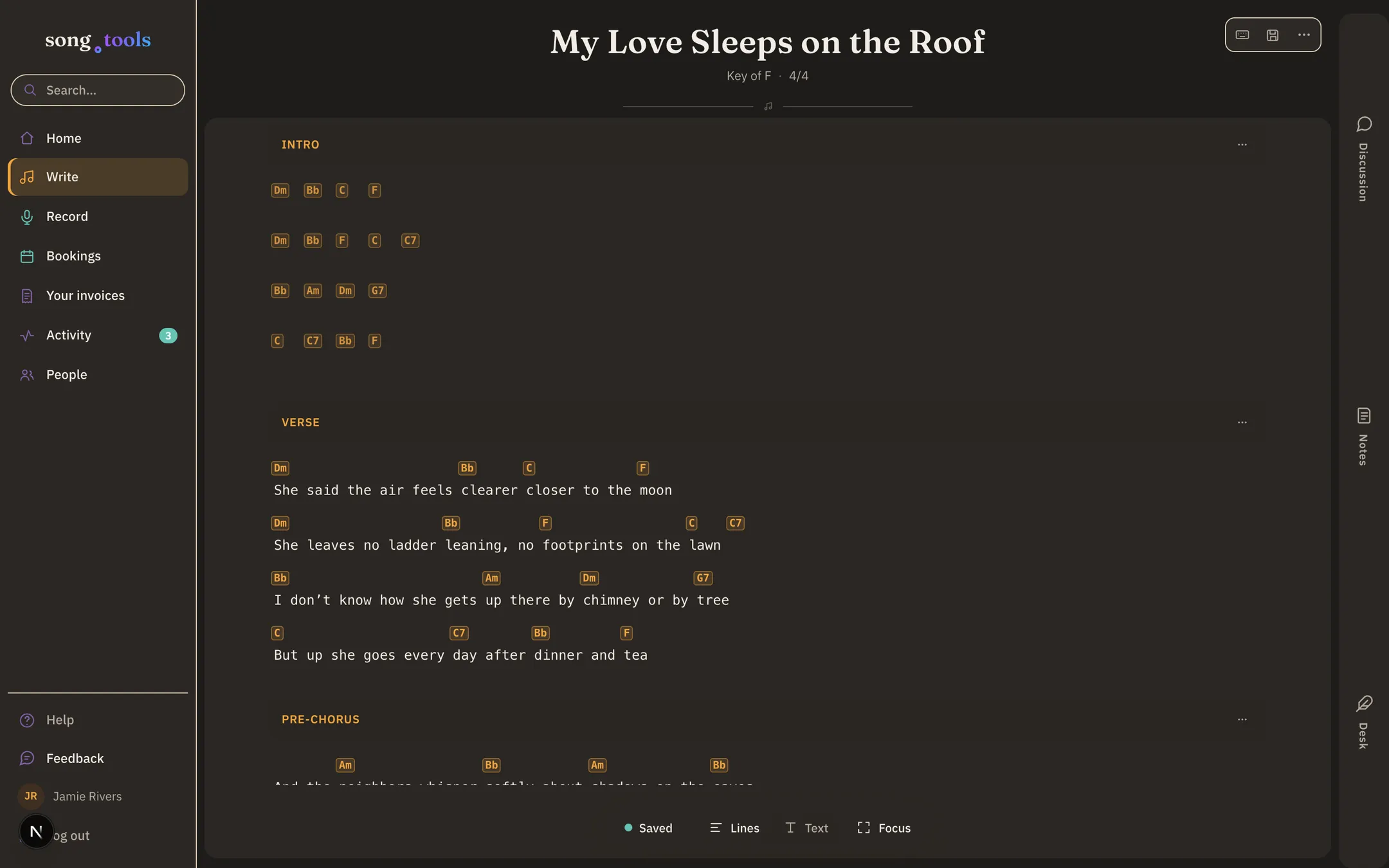
Lines is the structured chart — Verse, Chorus, Bridge, with chords set above the words they belong to. Text is a plain page for when you just need to write — the chords ride along inline, in brackets, right where you left them. Same song underneath: toggle freely, lose nothing.
And when it’s time for the room, print a chord-and-lyric chart that comes off the printer looking like you care.
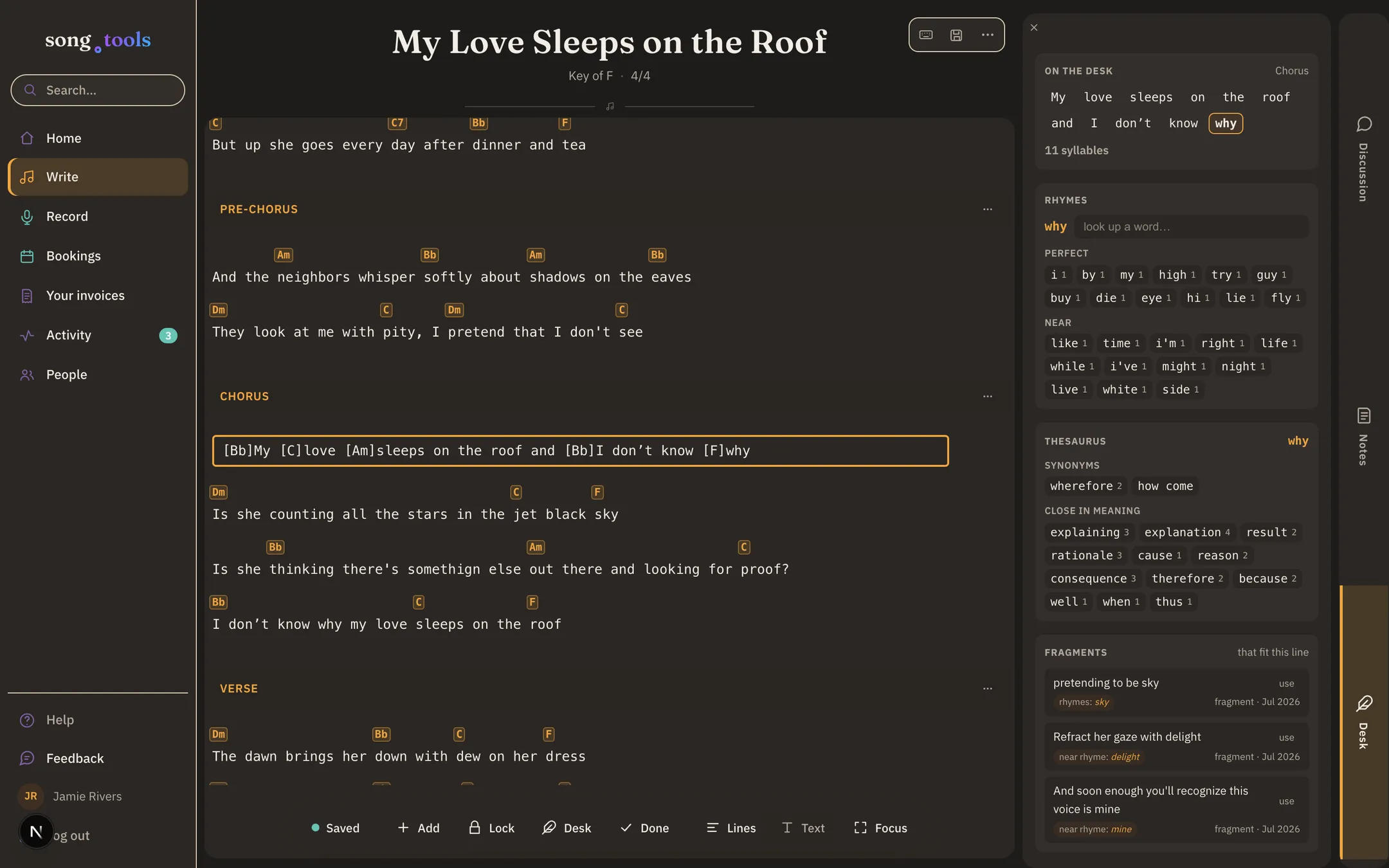
Rhymes when you’re stuck. A thesaurus when a word is only almost right. A live syllable count for the line you’re on. And Fragments — lines from your own notebook, surfaced when they fit what you’re writing.
It never marks up your lyric. It offers; you pull in.
Paste a whole song from any doc. It works out sections, chord lines, and structure on its own — and shows you a preview to approve before anything is saved.
A scratchpad for loose hooks and orphan lines. The Desk keeps them within reach, and the good ones find their song eventually.
Group songs into an EP, a set list, a co-writing folder. Share the collection, and you’ve shared everything in it.
Owner, editor, viewer — per song or per collection. You always keep ownership of your songs.
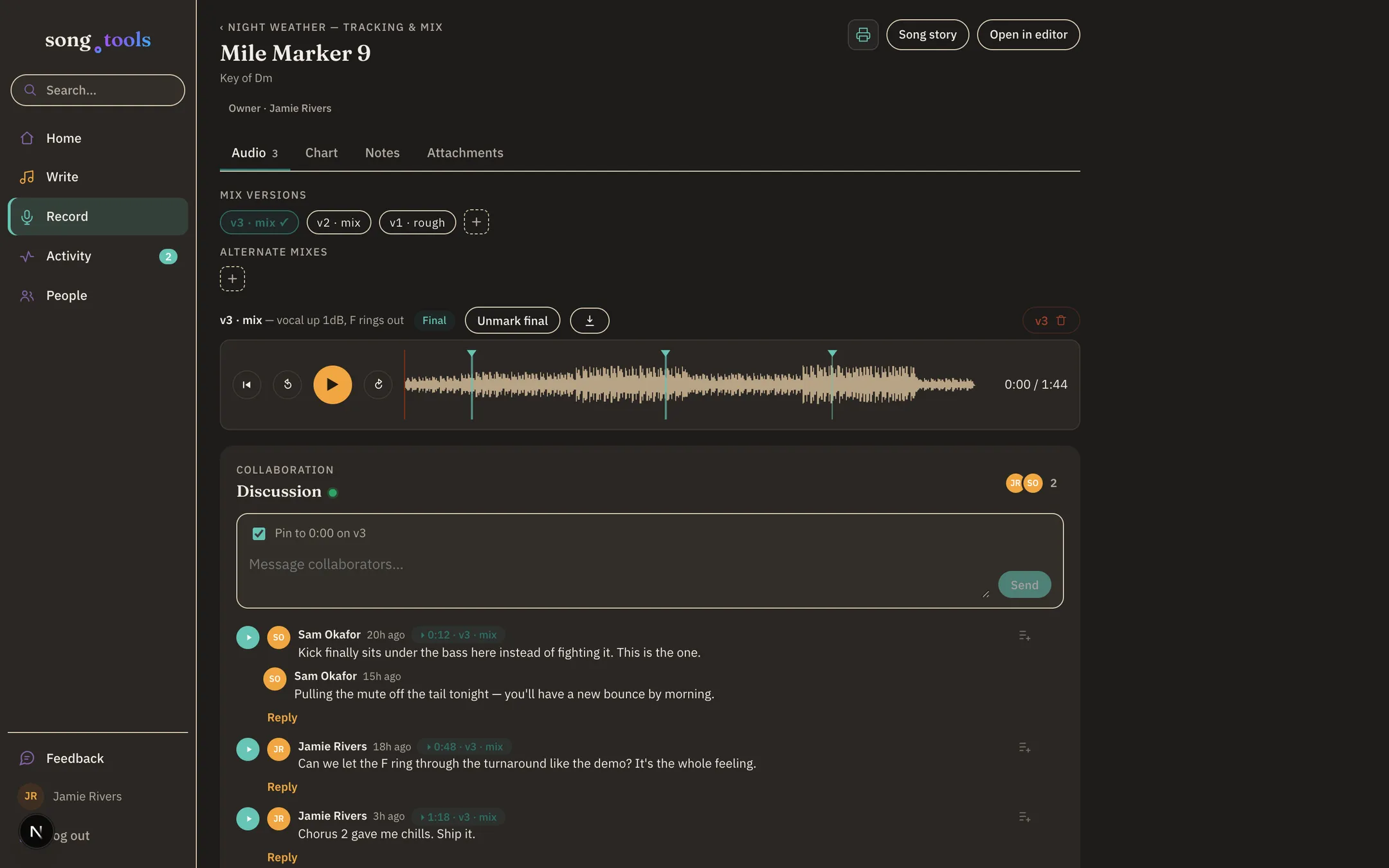
Comments pin to the exact moment in the track. “Somewhere in the second chorus” becomes 1:18, and nobody scrubs around guessing. Every mix and master is versioned with its own waveform, so v3 never overwrites v2 — and any note that’s actually work promotes to a tracked to‑do with one tap.
When the studio delivers, the artist lands on one album-style page: the cover as a jacket, the delivery note as liner notes, and a tracklist that plays top to bottom — and downloads at original quality. Press play, and the record slides out of its sleeve.
One more tap sends the whole delivery into the artist’s own Dropbox or Google Drive.
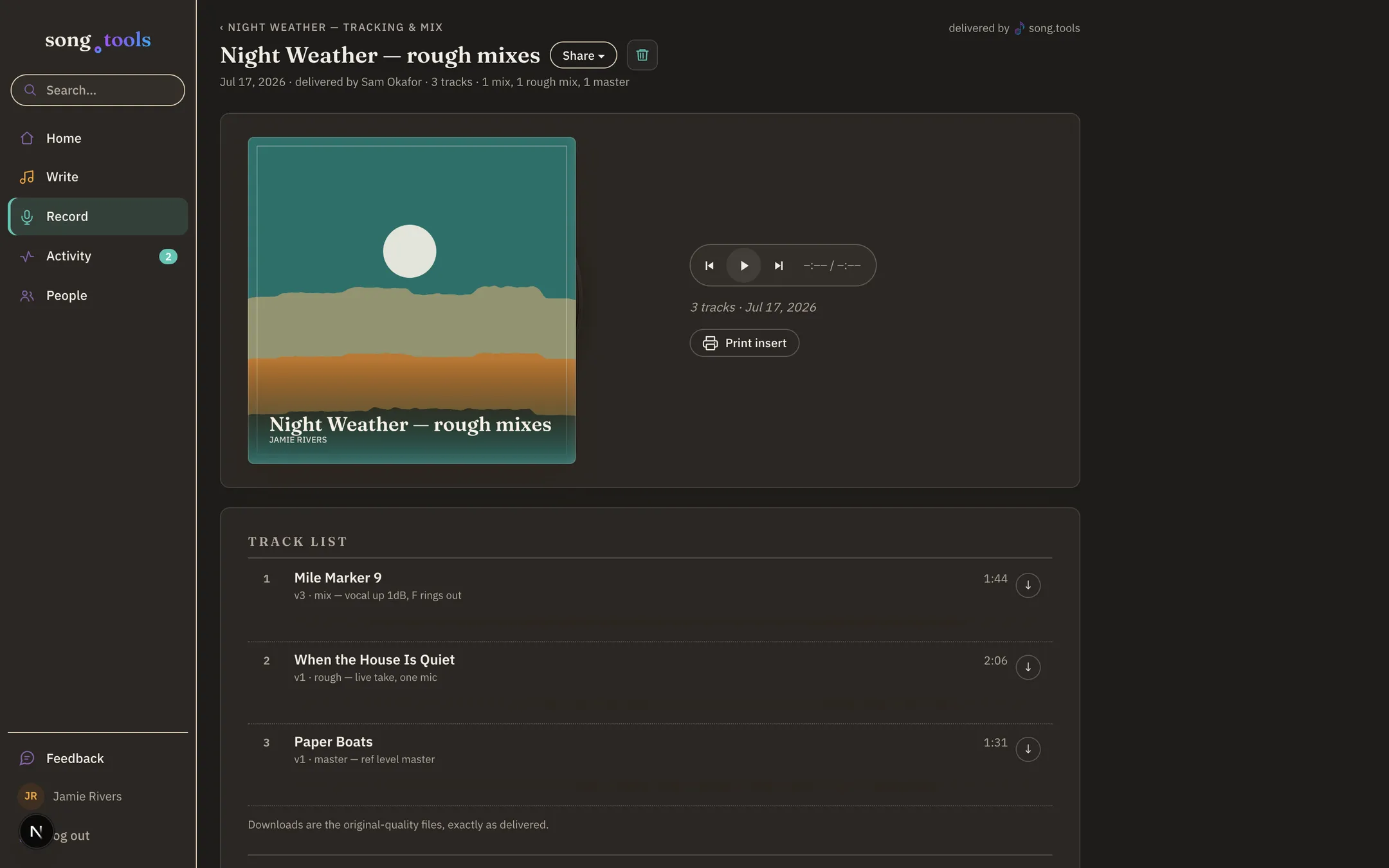
Every bounce in its place, with a waveform to prove it. The history of the record, kept honestly.
Artists without accounts get a link that just works — and a song the studio started for them is theirs the moment they claim it. It was always headed to their Library.
Send a finished delivery straight into the artist’s own Dropbox, Google Drive, or SoundCloud — private uploads, published when they’re ready. No zip files over text message.
There’s a version of your song in your notes app, another in a voice memo, and the good bridge is in a text to your co-writer. The Library gives all of it one home: charts that read the way you’d write them by hand, a desk that knows your own fragments, and co-writing that doesn’t turn into version roulette.
And the paperwork of trust is built in — every share has a role, and every song has an owner: you.
Run the EP, the single, and the mix revision each as a Session, with real roles for engineers, producers, and artists. Your clients never see each other — or each other’s rough mixes.
And the front office comes with the room: a public booking page at your own address that holds requested time on your Google Calendar, a tracked-time ledger per client, and numbered invoices built from your services and hours. See the studio tools →
Coda · Coming soon
song.tools launches in 2026. We’re finishing it the way we’d finish a record — properly, and without rushing the mix. There’s no waitlist, but you can raise your hand — first doors open to working songwriters and the studios that record them.
No spam. No countdown. Just songs, soon.